
 SCHEDULING AND APPOINTMENTS
Ditch calendar chaos with appointment scheduling.
Give customers the ability to book appointments online without overbooking your calendar ever again.
NO SHOW, NO MORE
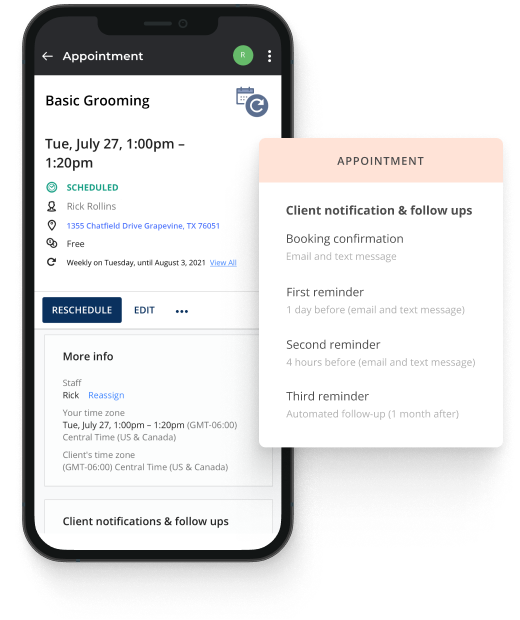
Protect your precious time with automated reminders.
- Send reminders for appointments and/or events to reduce appointment no-shows and empty seats.
- Gently nudge customers to re-book if they missed an appointment to quickly recapture revenue.
- Move away from manually updating calendars– let customers change or cancel appointments ahead of time.
- Third-party calendar syncing to make sure the date is on your calendar and theirs!
STAY IN SYNC
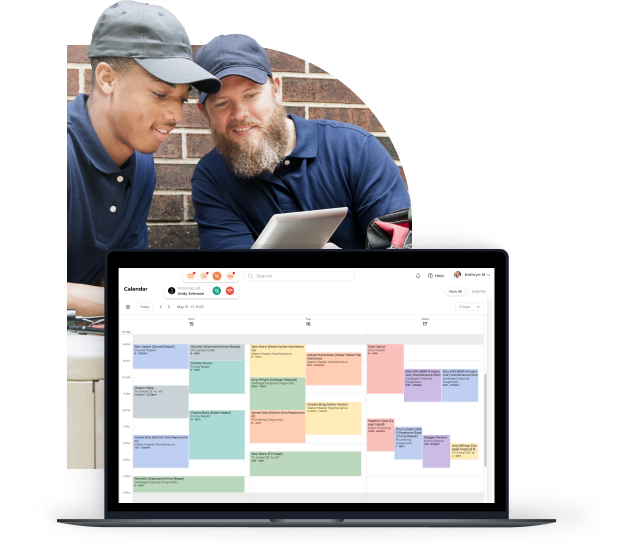
Manage your team and your time with shared online calendars.
- Share online calendars with employees and customers so you’re always on the same schedule.
- Sync multiple staff accounts, share calendars, and book appointments to align your team.
- Simplify collaboration with one calendar view.
- View personal and business calendars with 2-way Google or Outlook sync.
Unlock your business potential:
Book your Appointment Scheduling demo now!
PROMOTE LIKE A PRO
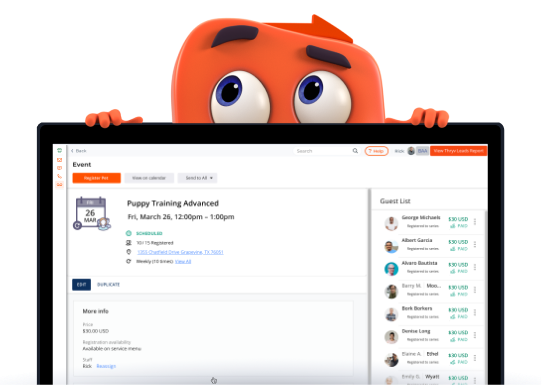
Makeevent registration easy and make managing it even easier.
- rack registrants, send automatic reminders, and manage your events all from one place.
- Send invites, accept payments, communicate with attendees, and monitor your waitlist for group and private events.
- Communicate with attendees effortlessly and schedule automatic reminders
OFFERS ON AUTOPILOT
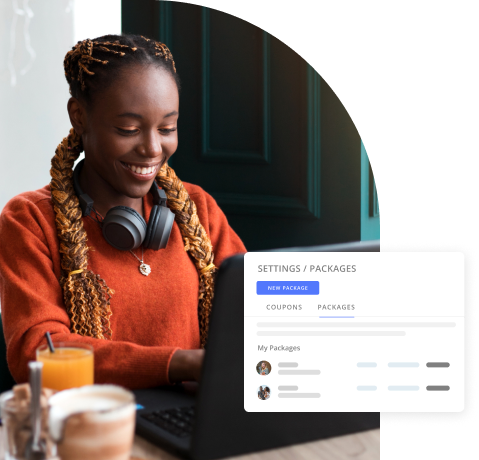
Increase repeat business with custom packages and promotions that keep customers coming back for more.
- Create customized promotions and pricing packages to sell a group of services at once.
- Build loyalty and revenue with bespoke pricing packages.
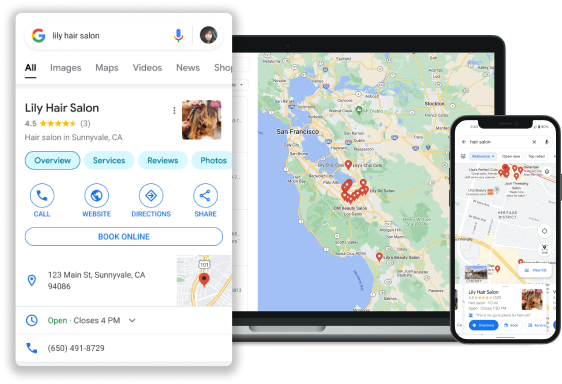
SIMPLIFY YOUR BOOKING PROCESS
Fast-track appointment booking with Reserve with Google™
- Simplify your online booking process and convert customers more quickly
- Allow customers to book appointments and services directly from your Google Business listing.
- Standout against competitors and generate more leads.
Unmatched, unlimited, 24/7 support¹




¹Applies to all paid products.
Scheduling & Appointments FAQs
Questions about online appointment booking and calendars? We’ve got answers.
Are appointments scheduled in real-time?
Yes!
If I don’t want to allow customers to schedule appointments, can I disable it?
You can adjust this under Settings > Online Booking Options.
1. Applies to all paid products.